


Dev Blog #81
Comrades, greetings!
We continue to share information about the development process and highlight specific improvements, refinements, and general areas of focus. One key topic is how the project works in VR.
We’ve seen a lot of positive feedback about how well the game looks in VR and how smoothly it runs. But we’ve also seen issues, and we’re not ignoring them. Therefore, in addition to searching for solutions to existing issues and constantly working to improve performance and fix bugs, we have also decided to discuss technology in today’s blog: we’ll cover the nuances and share our experience setting up the project for this mode.
We continue to share information about the development process and highlight specific improvements, refinements, and general areas of focus. One key topic is how the project works in VR.
We’ve seen a lot of positive feedback about how well the game looks in VR and how smoothly it runs. But we’ve also seen issues, and we’re not ignoring them. Therefore, in addition to searching for solutions to existing issues and constantly working to improve performance and fix bugs, we have also decided to discuss technology in today’s blog: we’ll cover the nuances and share our experience setting up the project for this mode.
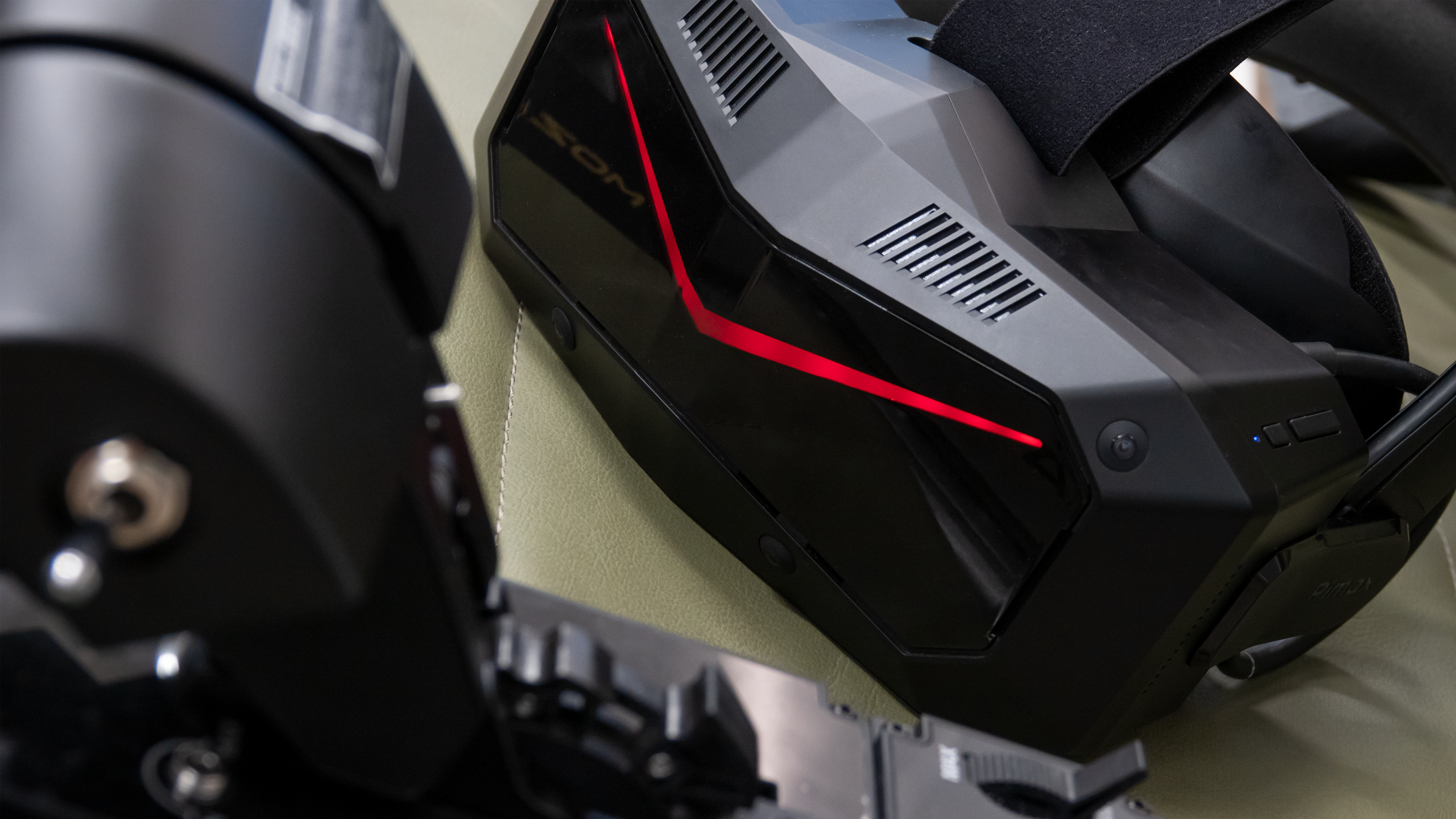
In 2016, our team began working on virtual reality immediately after the technology began to develop and spread. Back then, the first two devices we added support for via the OpenVR protocol were the HTC Vive and Oculus Rift CV1. The principle behind a virtual reality headset isn’t all that complicated: the game’s 3D world is rendered twice, from two perspectives corresponding to the player’s two eye positions. This way, the human visual system begins to perceive the image as a three-dimensional world, rather than as an image on a flat monitor. The key here is optimization. Rendering the game world twice doubles the computational load and significantly increases video memory usage. There’s a trick to this: human eyes, while separated by distance, are still only slightly apart.
Furthermore, human eyes normally always look in the same direction. The final performance of a VR game largely depends on how each developer uses these two physiological facts to optimize resource use and avoid double rendering where possible. In 2018, IL-2: Great Battles was named by many publications among the best VR games.
Furthermore, human eyes normally always look in the same direction. The final performance of a VR game largely depends on how each developer uses these two physiological facts to optimize resource use and avoid double rendering where possible. In 2018, IL-2: Great Battles was named by many publications among the best VR games.
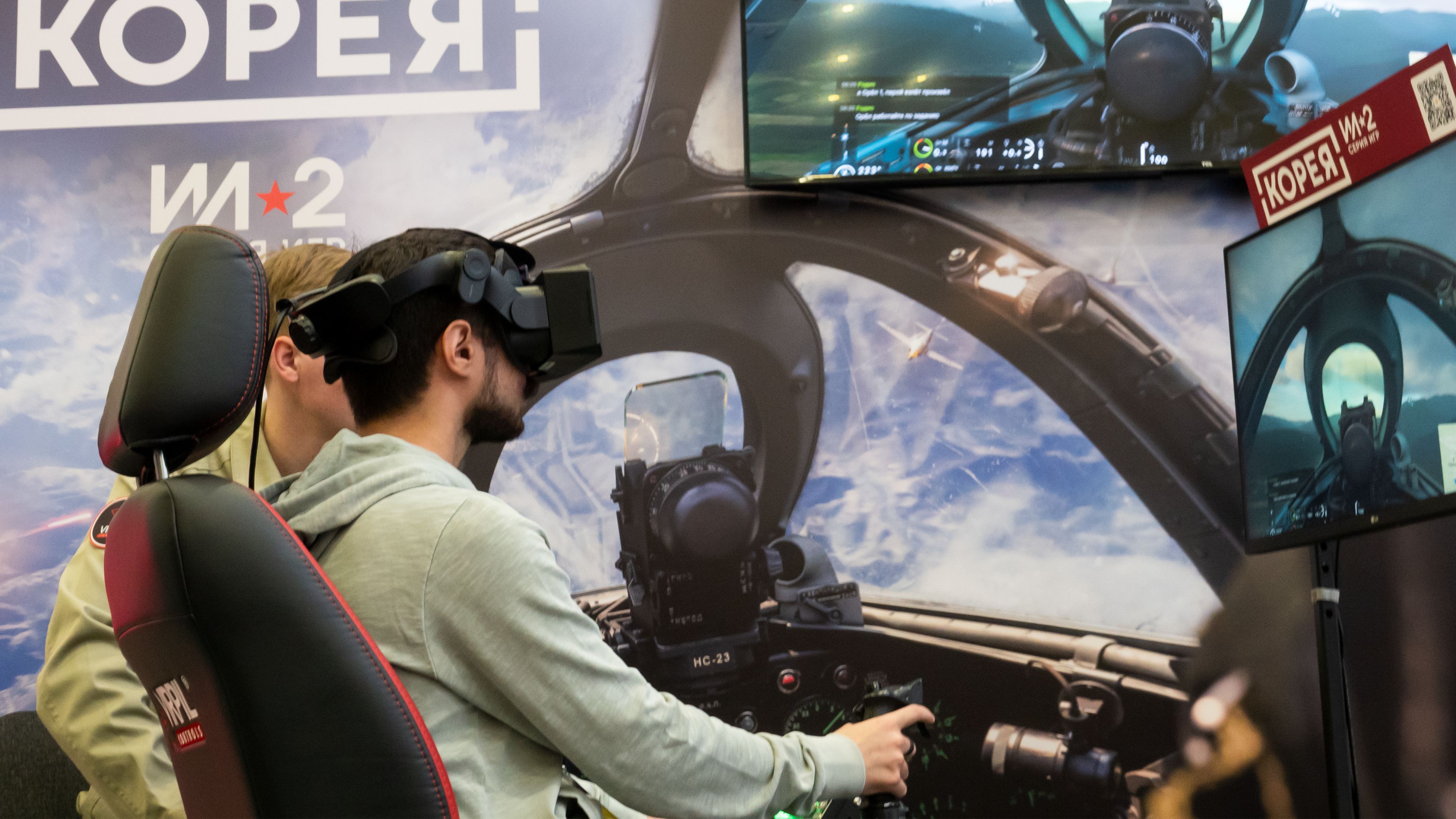
Since then, we haven’t stopped, of course. Since 2016, every change we make to the game is now also considered from the perspective of "how will it impact the VR experience?" Of course, over time, we hit some technological limitations with the old engine. And so, in 2022, we began developing Korea, and it was there that we were able to break free from the constraints of old technologies and approaches and give new impetus to the VR direction of our engine and game. Most importantly, by this time, a new protocol (API) called Open XR had emerged, enabling significantly greater performance when used with modern VR headsets. We first integrated and adapted it, and the results were very good.
The second technology we promoted in Korea to achieve additional VR performance gains was upscaling, or DLSS and FSR. We implemented DLSS itself without any problems, but combining it with VR within the DirectX 12 API, which was still relatively new to the flight simulator genre, proved extremely challenging. Dual rendering created a huge number of implementation issues that needed to be addressed. Some of these required up to six months of close collaboration with NVIDIA developers to achieve the desired result. Nevertheless, this path was completed, and now DLSS and FSR are fully compatible with VR mode.
The second technology we promoted in Korea to achieve additional VR performance gains was upscaling, or DLSS and FSR. We implemented DLSS itself without any problems, but combining it with VR within the DirectX 12 API, which was still relatively new to the flight simulator genre, proved extremely challenging. Dual rendering created a huge number of implementation issues that needed to be addressed. Some of these required up to six months of close collaboration with NVIDIA developers to achieve the desired result. Nevertheless, this path was completed, and now DLSS and FSR are fully compatible with VR mode.
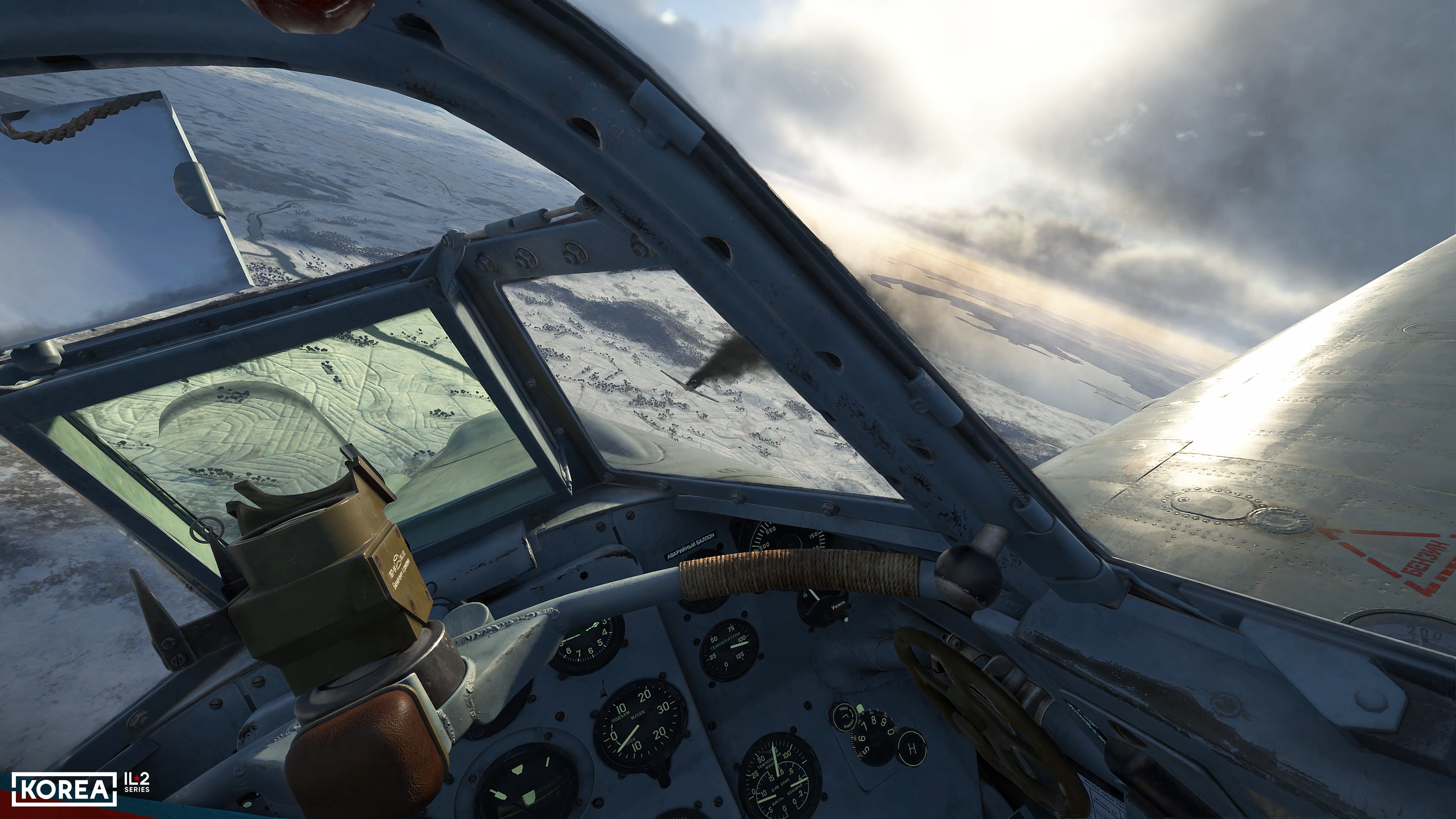
For Korea, a special graphics preset has been created that allows for fine-tuning the graphics subsystem specifically for VR mode. We also added an option to lower the resolution in VR mode below the headset’s settings. This proved necessary when using an 8K device. Even high-end graphics cards can’t handle this resolution: video memory usage and shader load are too high. We analyzed our closest competitors in the genre and, even on 5090 graphics cards, in a complex scene at low altitude above a large city, the frame rate dropped to 40−45 fps, even with the settings set to the optimal VR mode. With high-end settings, performance sometimes dropped to as low as 25 fps.
A separate story here is that the widely advertised Foveated and Quad Views modes turned out to be ineffective for applications developed for the modern DirectX 12 pipeline. In such applications, the pixel shaders optimized by these modes are already maximally unloaded. We even created a prototype for this mode throughout almost the entire development cycle, but the effect amounted to no more than a 5% performance boost. Competitors with their pipelines did see an effect, but in the case of a DirectX 12-based engine, the performance boost from Quad Views was the same as from DLSS, and using both together did not provide any noticeable additional performance.
We also analyzed the impact of graphics card generation on performance for our closest competitors and us in the genre. Overall, the following picture emerges: the 5090 graphics card provides a 10−15% performance boost over the 4090 in high-load scenes and a 20% boost in low-load scenes. With Korea, the difference is that in low-load scenes, the FPS increase can reach up to 50%.
Given that the gaming computer configuration is user-created, we unfortunately can’t account for every possible hardware configuration, and the values may vary from one component set to another. While we are closely monitoring the situation and striving to resolve any conflicts as quickly as possible if they are discovered, we can say one thing for certain: for VR gaming scenarios, top-end solutions don’t yet provide the performance boost we would like, and more optimal graphics settings allow for comfortable gaming on previous generations of hardware without any significant issues.
A separate story here is that the widely advertised Foveated and Quad Views modes turned out to be ineffective for applications developed for the modern DirectX 12 pipeline. In such applications, the pixel shaders optimized by these modes are already maximally unloaded. We even created a prototype for this mode throughout almost the entire development cycle, but the effect amounted to no more than a 5% performance boost. Competitors with their pipelines did see an effect, but in the case of a DirectX 12-based engine, the performance boost from Quad Views was the same as from DLSS, and using both together did not provide any noticeable additional performance.
We also analyzed the impact of graphics card generation on performance for our closest competitors and us in the genre. Overall, the following picture emerges: the 5090 graphics card provides a 10−15% performance boost over the 4090 in high-load scenes and a 20% boost in low-load scenes. With Korea, the difference is that in low-load scenes, the FPS increase can reach up to 50%.
Given that the gaming computer configuration is user-created, we unfortunately can’t account for every possible hardware configuration, and the values may vary from one component set to another. While we are closely monitoring the situation and striving to resolve any conflicts as quickly as possible if they are discovered, we can say one thing for certain: for VR gaming scenarios, top-end solutions don’t yet provide the performance boost we would like, and more optimal graphics settings allow for comfortable gaming on previous generations of hardware without any significant issues.
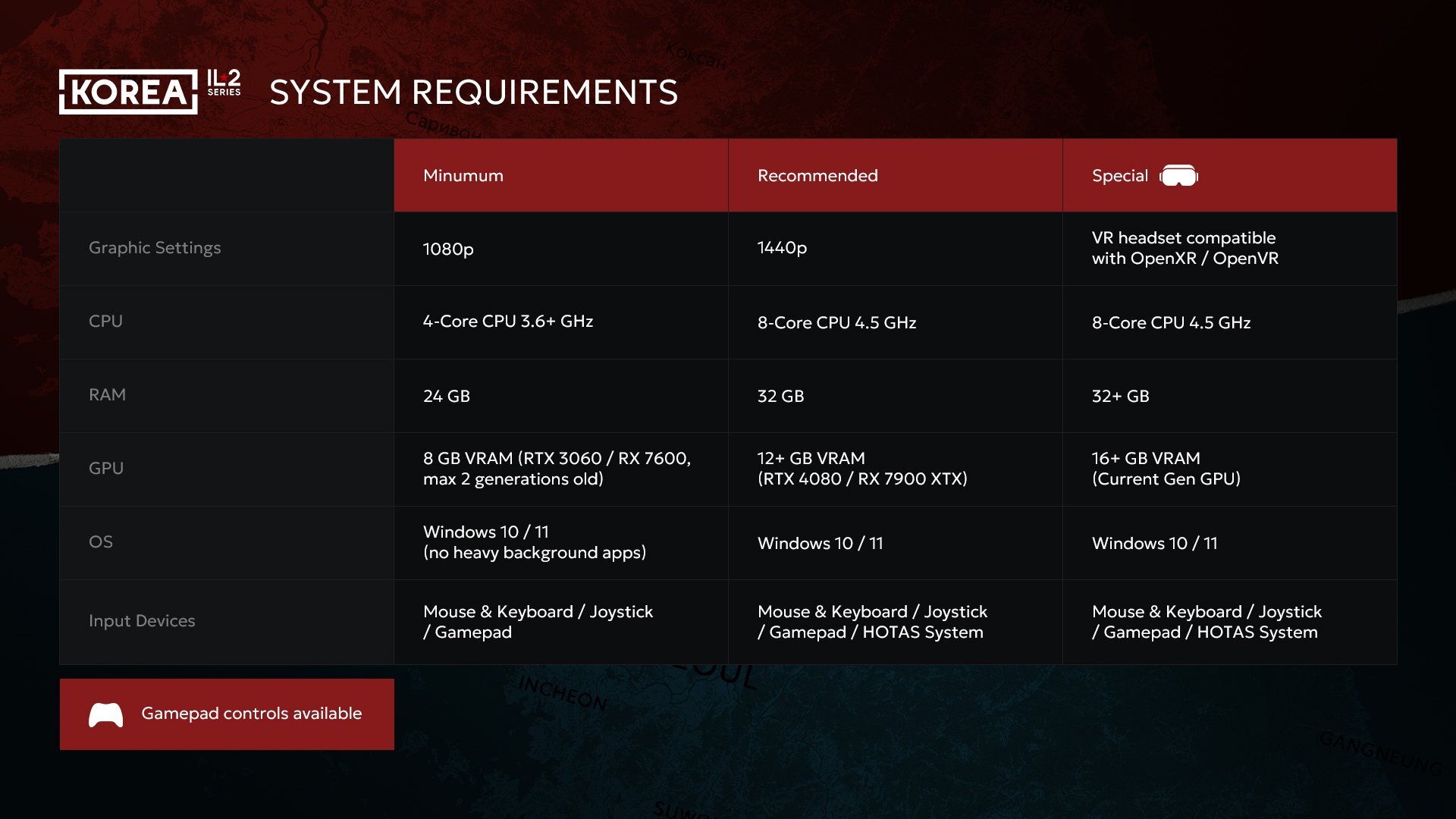
Thus, it must be acknowledged that within the flight simulator genre, with its unique 3D world, the current situation is as follows: VR hardware advancements are significantly outpacing the capabilities of current graphics cards. All developers in the genre are forced to seek ways to achieve at least minimally acceptable performance on 8K headsets, even with high-end graphics cards. This process is ongoing, and we plan to closely monitor the situation on this front and, whenever possible, introduce changes to improve graphics performance in VR mode. And, of course, we are all eagerly awaiting the announcement of the next generation of graphics cards, which we hope will close the gap between the performance demands of 8K VR devices and the current generation's performance. Until that happens, it's best to be more careful with the settings used in virtual reality mode, as the impact of some parameters is often unnoticeable there while consuming significant resources. As a reminder, smooth VR gameplay can be achieved with lower-than-optimistic system requirements, as illustrated in the image we published earlier.
We would also like to give some recommendations on setting up the game’s graphics for VR mode.
First, check the settings of the applications and drivers that launch your VR device. For example, Steam VR often sets the default rendering resolution for applications higher than necessary. In less busy projects, this may not be critical or even noticeable, and in some cases, the correct values may be automatically set. However, in demanding scenes, setting the resolution higher than necessary can often become critical. These rendering settings can override any settings set directly in the application and change when the application is launched. Therefore, it’s important first to ensure that the device renders images at the required resolution.
First, check the settings of the applications and drivers that launch your VR device. For example, Steam VR often sets the default rendering resolution for applications higher than necessary. In less busy projects, this may not be critical or even noticeable, and in some cases, the correct values may be automatically set. However, in demanding scenes, setting the resolution higher than necessary can often become critical. These rendering settings can override any settings set directly in the application and change when the application is launched. Therefore, it’s important first to ensure that the device renders images at the required resolution.
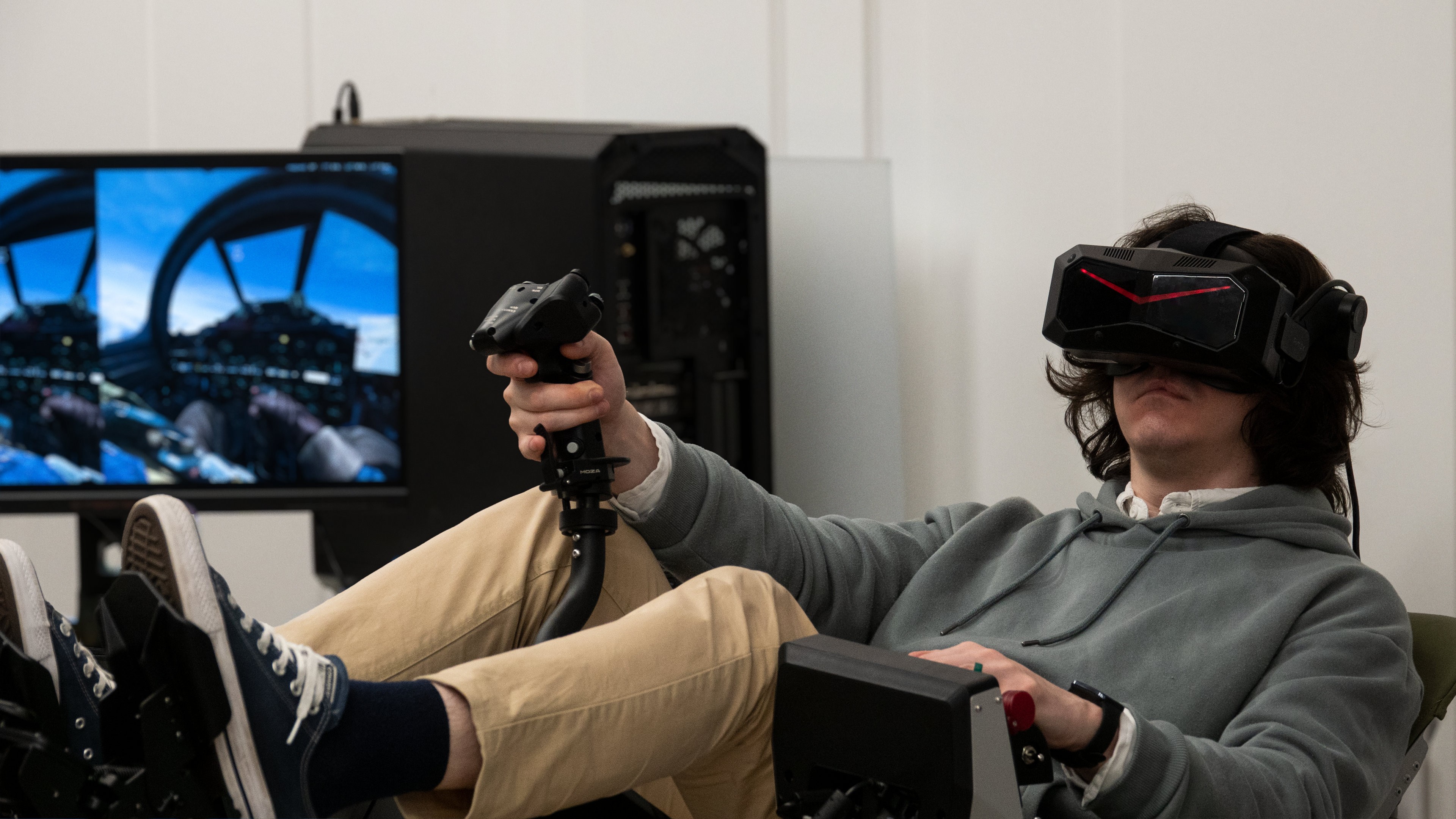
Secondly, it’s recommended to use a dedicated VR graphics preset. If you have a modern VR headset, use OpenXR mode. Additionally, if you have sufficient video memory, it’s recommended to use DLSS or FSR upscaling at high or very high settings. To reduce the load on video memory (which is very high on 8K devices, especially when using DLSS), we recommend setting Distant Landscape Detail to "x2," Shadows Quality to "Medium," and Grass Quality to "Normal." Indirect lighting, as one of the most performance-intensive graphics features, is best disabled. Cities Optimization should be set based on your video memory: if you have sufficient memory, it’s best to set this option to "Favor FPS." Setting reflection and mirror detail to values below maximum may help improve FPS to some extent. For 8K VR devices, we highly recommend setting the VR Resolution option to 50% to achieve an acceptable FPS in the most demanding scene options (e.g., over a city).
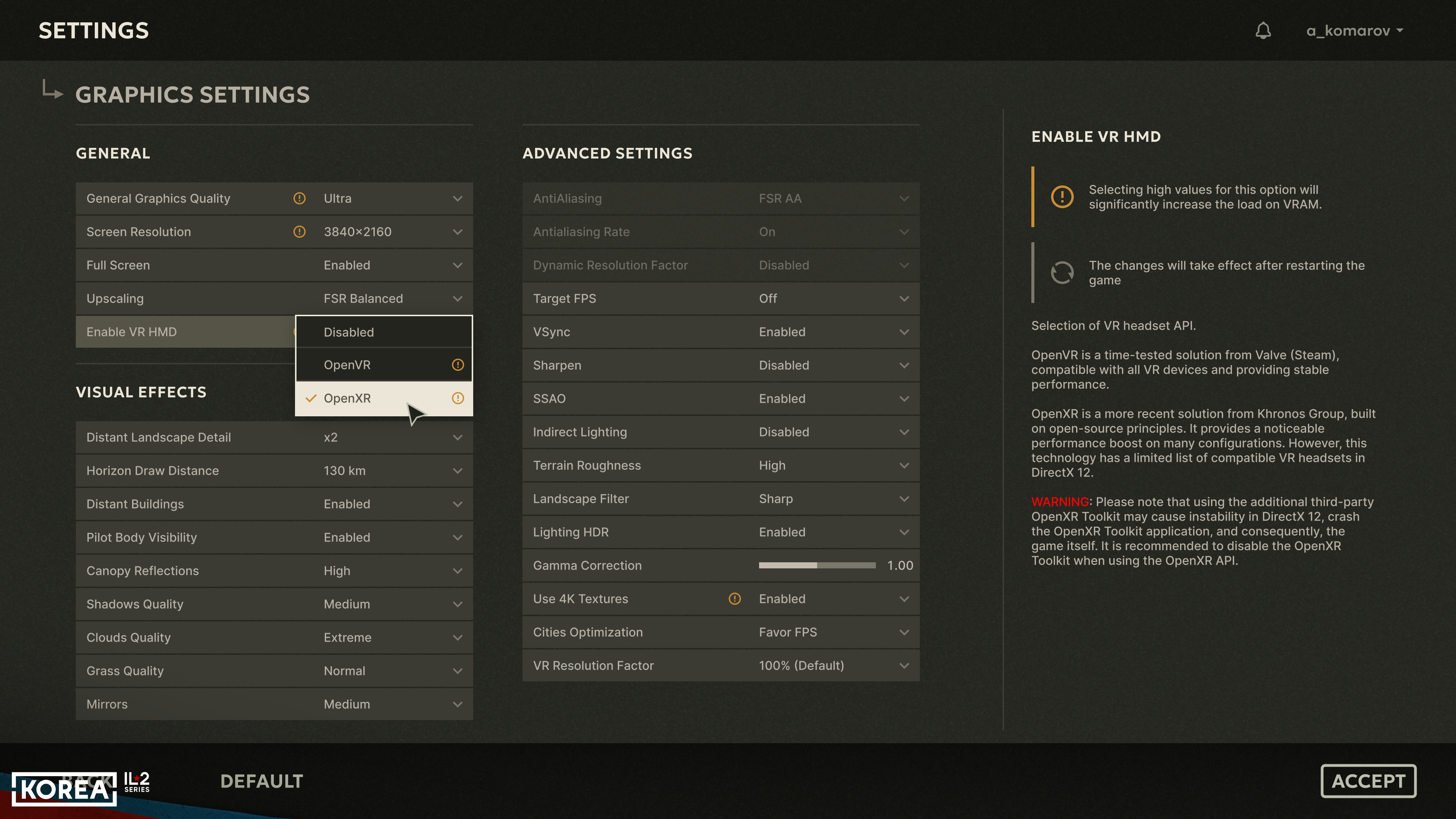
When evaluating VR system performance, it's important to remember that VR headsets operate with discrete FPS values. Most often, these are either 35/70/140 FPS or 25/45/90/180 FPS. If a game delivers an FPS below one of these levels but above another, the FPS will be capped at the lower of the two. When tweaking settings, this can sometimes create the false impression that changing a particular option doesn't affect performance. In fact, this isn't the case: performance hasn't yet crossed the next threshold in the 3D scene you're testing the effect on. However, even if the final FPS in that scene hasn't changed, the number of scene variants (situations) where the FPS will equal the higher threshold still increases. In any case, finding optimal settings increases FPS stability across various situations.
We also recommend using parallel rendering on the monitor in mono mode—this is a specific option controlled in the data\startup.cfg configuration file, using the or_render_eye=1 parameter. You can also configure the resolution of this parallel rendering using the or_width parameters. and or_height. It's also important to remember that the sense of scale in a 3D world depends on how closely your interpupillary distance (IPD) matches your physical appearance in VR. You can adjust it directly in-game using the RShift+NumpadPlus and RShift+NumpadMinus keys. This adjustment is made to maximize the perception of the cockpit elements' dimensions you're observing.
We also recommend using parallel rendering on the monitor in mono mode—this is a specific option controlled in the data\startup.cfg configuration file, using the or_render_eye=1 parameter. You can also configure the resolution of this parallel rendering using the or_width parameters. and or_height. It's also important to remember that the sense of scale in a 3D world depends on how closely your interpupillary distance (IPD) matches your physical appearance in VR. You can adjust it directly in-game using the RShift+NumpadPlus and RShift+NumpadMinus keys. This adjustment is made to maximize the perception of the cockpit elements' dimensions you're observing.
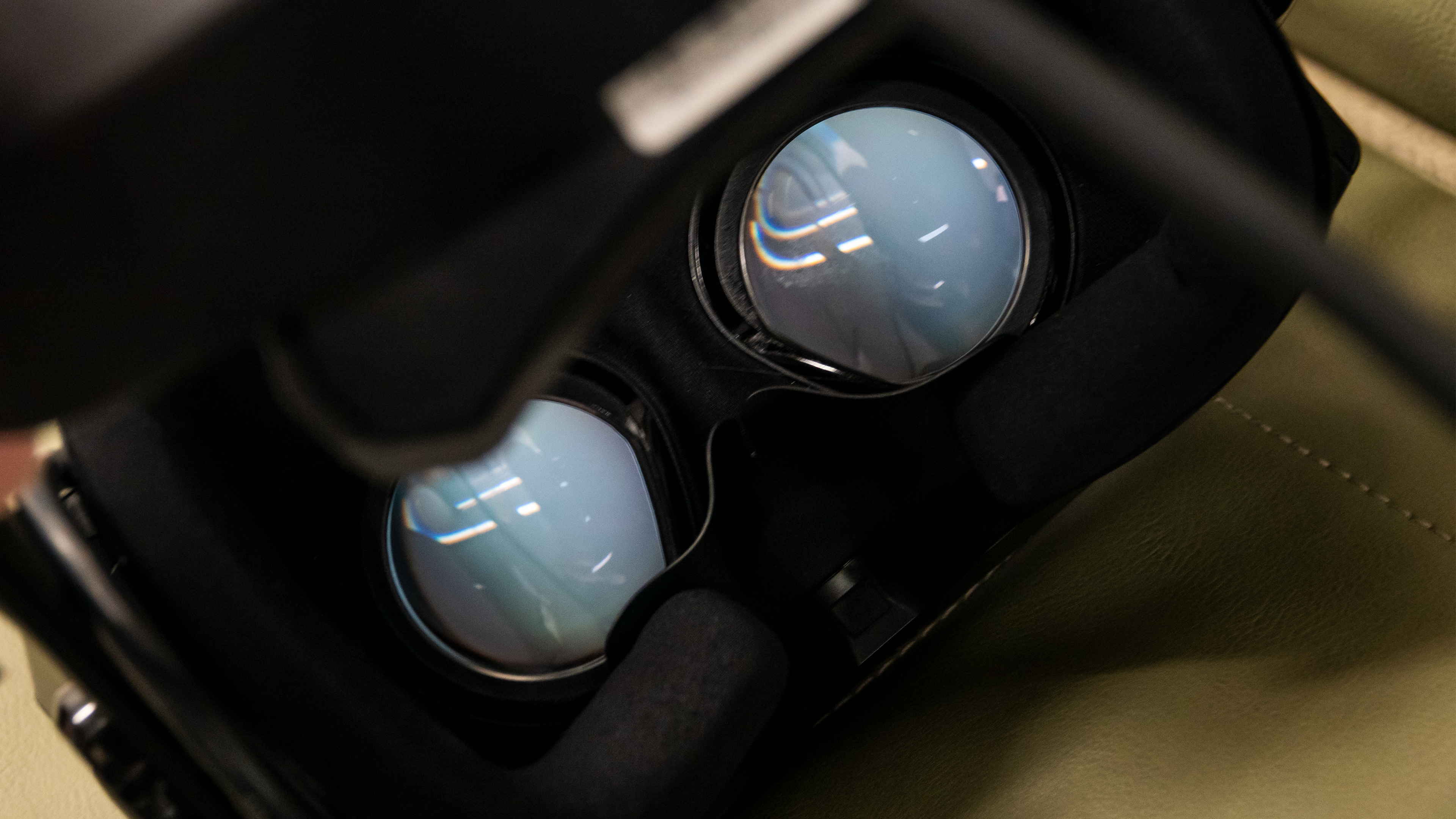
In closing our discussion of VR in Korea, it’s worth emphasizing that we’ve been supporting VR technology since it first emerged. We constantly fly in virtual reality ourselves, and we’ll continue to keep our technologies as compatible and optimized for VR as possible. We invest a great deal of time and effort into this support and optimization, and we’re in constant contact with both VR device manufacturers and video card makers. Taken together, these efforts deliver a truly exceptional VR experience, one of the best in the genre today. To stay up to date on the development of various Korean technologies, subscribe to our channels on Discord, Facebook, YouTube, Reddit, and X, and follow the latest news.
See you in the sky and happy hunting, pilots!
See you in the sky and happy hunting, pilots!