


Dev Blog #66
Hello comrades!
We’ve mentioned more than once that we’re putting a lot of effort into solving one of the fundamental challenges of the hardcore flight simulator genre: the complexity of control configuration. Generally speaking, the task of simplifying something that is inherently complex without losing detail and variety sounds, a priori, like an impossible feat. It becomes even more challenging due to the goal we’ve set for ourselves: to ensure comfortable aircraft control not only with classic joysticks but also with gamepads. All of this is necessary to make it easier for new players to get started with the game, lower the entry barrier, and ultimately expand the boundaries of our unique genre. In past years, many teams — including ours — have struggled with this challenge. However, this time, thanks to modern approaches to user interface design, we managed to find and implement a solution.
We’ve mentioned more than once that we’re putting a lot of effort into solving one of the fundamental challenges of the hardcore flight simulator genre: the complexity of control configuration. Generally speaking, the task of simplifying something that is inherently complex without losing detail and variety sounds, a priori, like an impossible feat. It becomes even more challenging due to the goal we’ve set for ourselves: to ensure comfortable aircraft control not only with classic joysticks but also with gamepads. All of this is necessary to make it easier for new players to get started with the game, lower the entry barrier, and ultimately expand the boundaries of our unique genre. In past years, many teams — including ours — have struggled with this challenge. However, this time, thanks to modern approaches to user interface design, we managed to find and implement a solution.
The solution to this complex problem consists of three main components. The first component is the creation of a highly user-friendly "classic" dialog for mapping input device buttons and axes to game commands and functions. In this part, we completely overhauled our existing approach, removed a host of restrictions, and created a convenient and intuitive configuration interface.
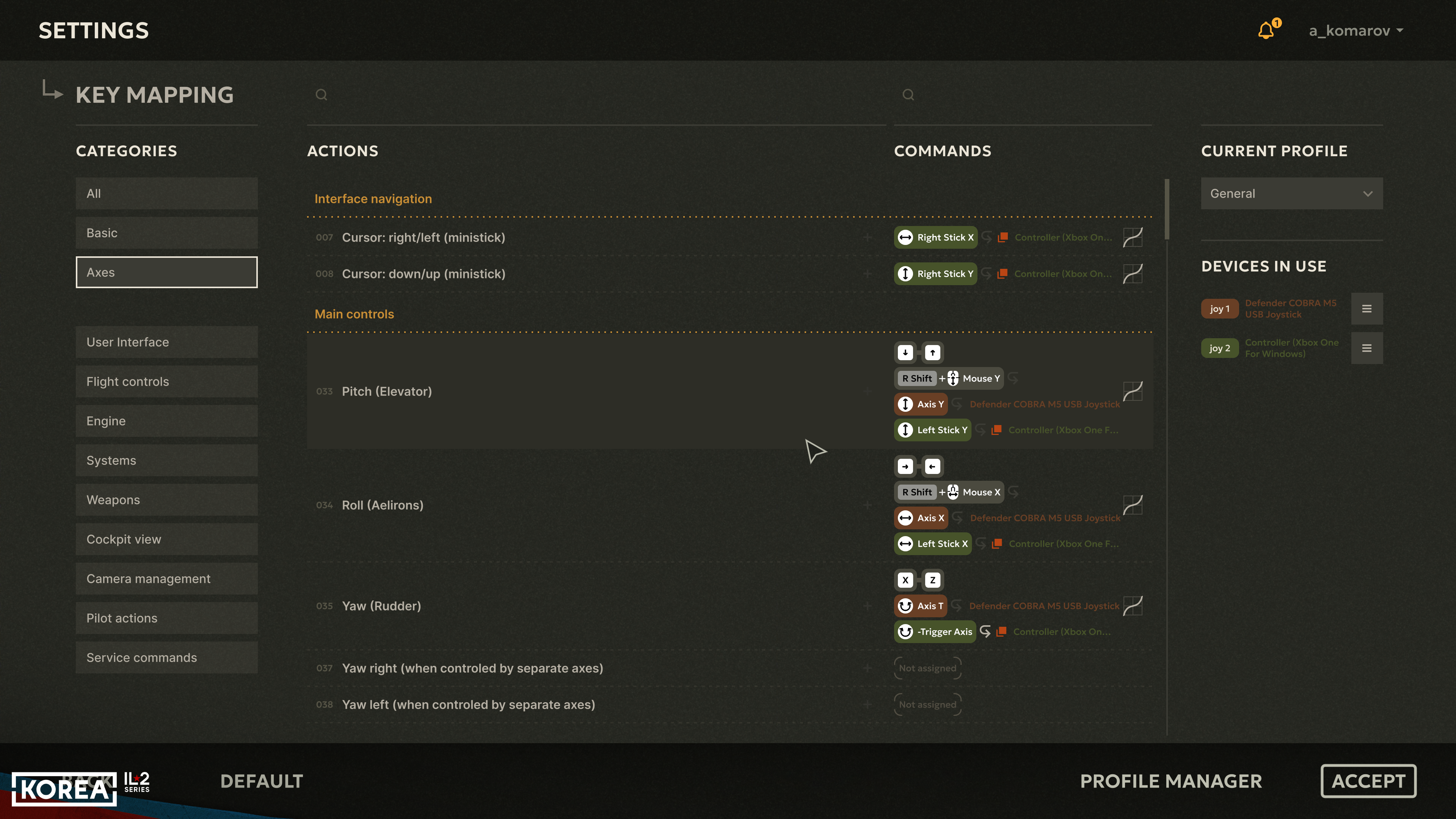
- First, it is now possible to assign an unlimited number of physical buttons to a single command
- Second, for "one-time" commands, you can assign not only buttons but also the end positions of device axes
- Third, when assigning a device axis to a function, you can set it to so-called "additive" mode, which is especially useful for controlling the view using gamepad mini-sticks. Also, these mini-sticks are now fully suitable for controlling throttle levers, mixture levers, radiator levers, trimmers, etc.
- Fourth, a feature has been added to automatically populate the assignments of the so-called POV switch to camera commands — you only need to specify one direction, and the rest will be filled in for you automatically.
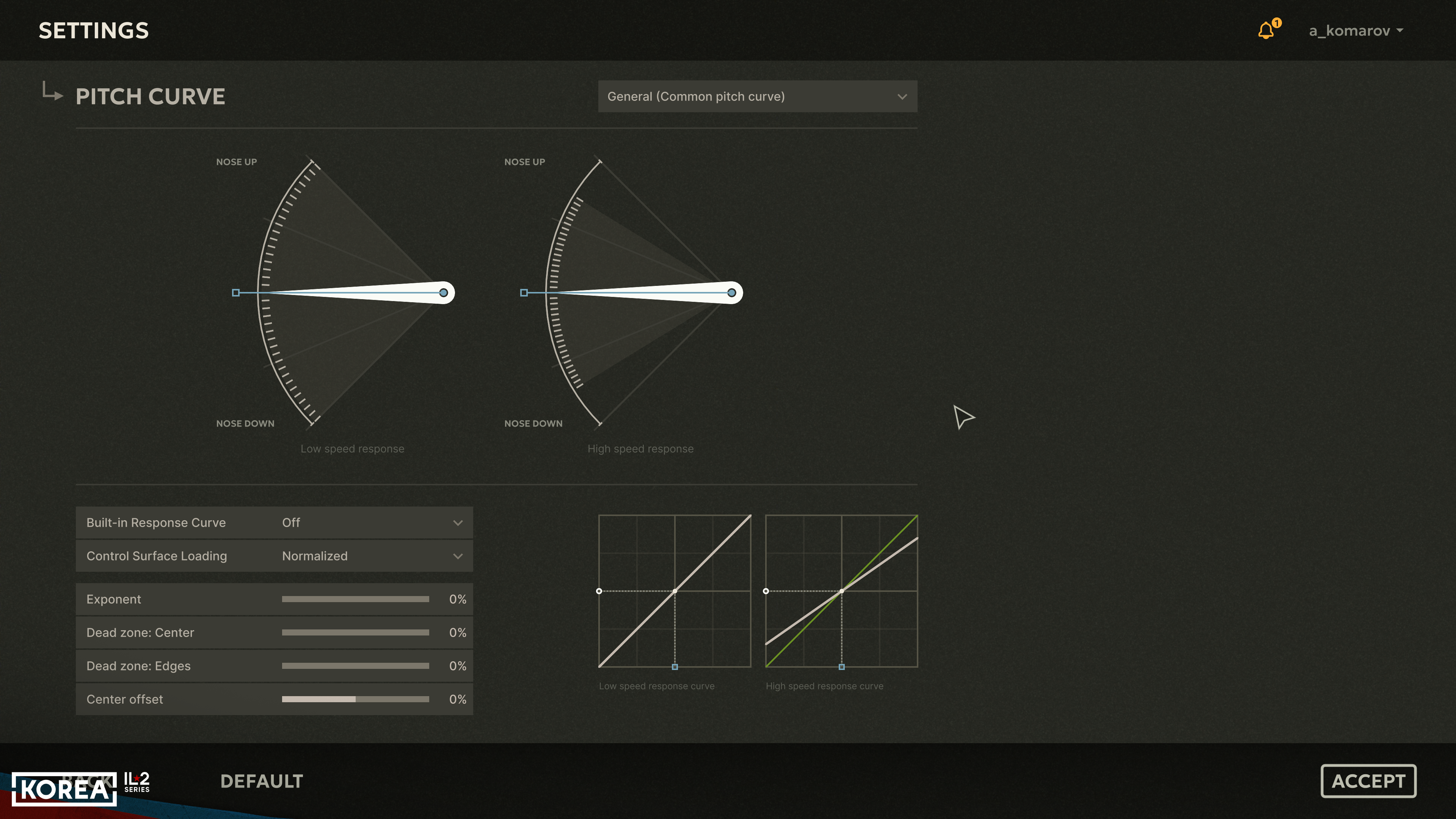
- Fifth, a much more advanced system for configuring axis response curves has been added.
- And finally, sixth, a search system has been added to find already-assigned commands by button press or name. And much more!
The second component of the solution is a new control configuration assistant, a "wizard," as it is also called. This in-game wizard will guide you, step by step and in the most convenient and intuitive way possible, to assign the main game and aircraft control commands to the buttons and axes of your new device. The setup will progress from the most basic control commands to more specific ones. The algorithm offers various variations based on your device configuration, providing the most convenient options for your situation.
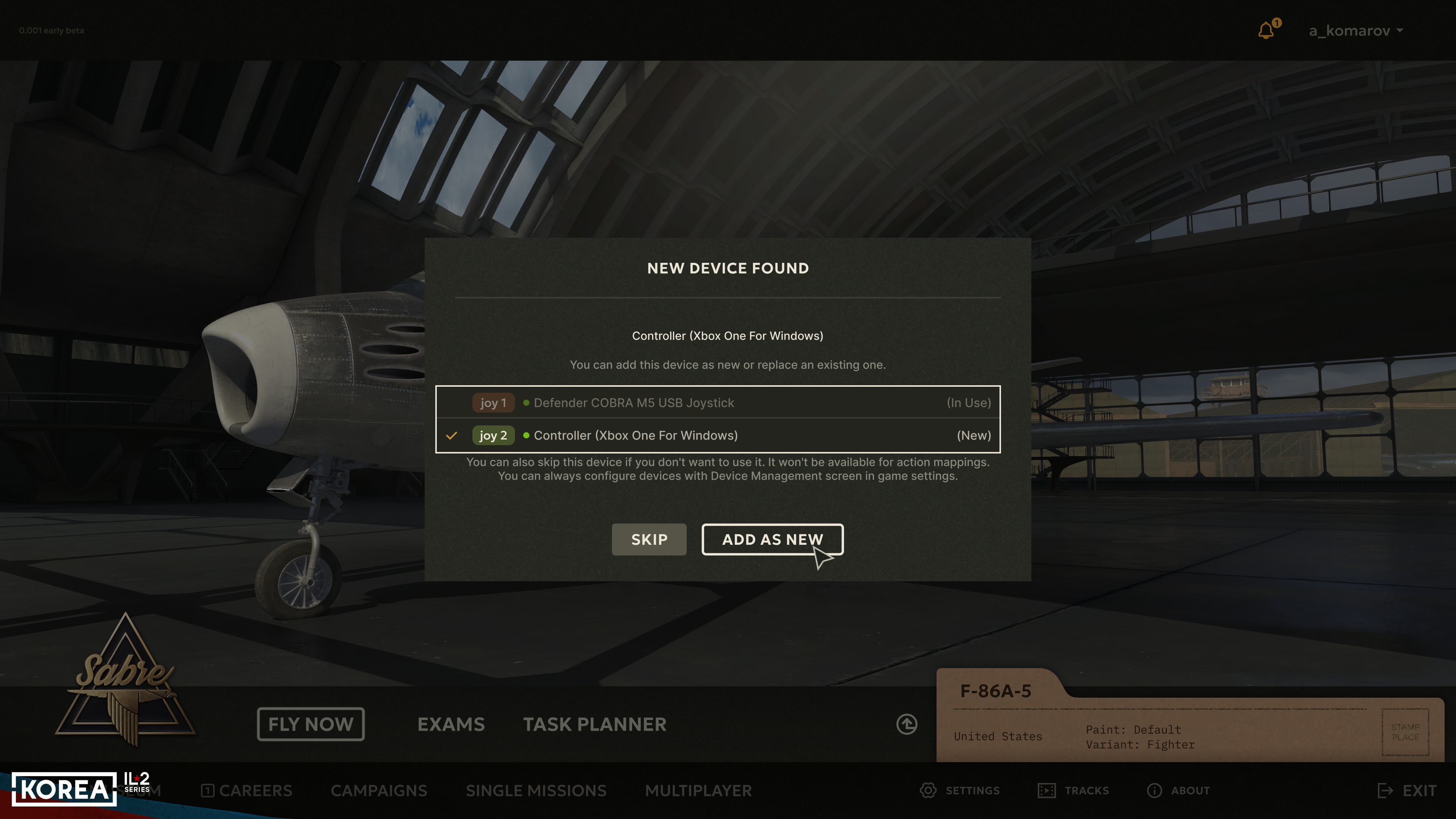
The third component is the creation of a set of default layout templates for various devices: we’ve compiled a list of over 50 device types popular among Great Battles players and created a unique template for each. These include joysticks, throttles, pedals, and gamepads.


Only particularly complex and expensive customizable devices with various layout options prevented us from implementing standardized templates for them. Thus, in the vast majority of cases, when you launch the game for the first time, you will be prompted to assign a pre-created control profile to your device; moreover, for each joystick, throttle, or gamepad template, the game will display a graphical command layout map, which will help you quickly and easily get the hang of the controls. A similar map is provided for the keyboard layout, which has been redesigned for greater logicality and user-friendliness.



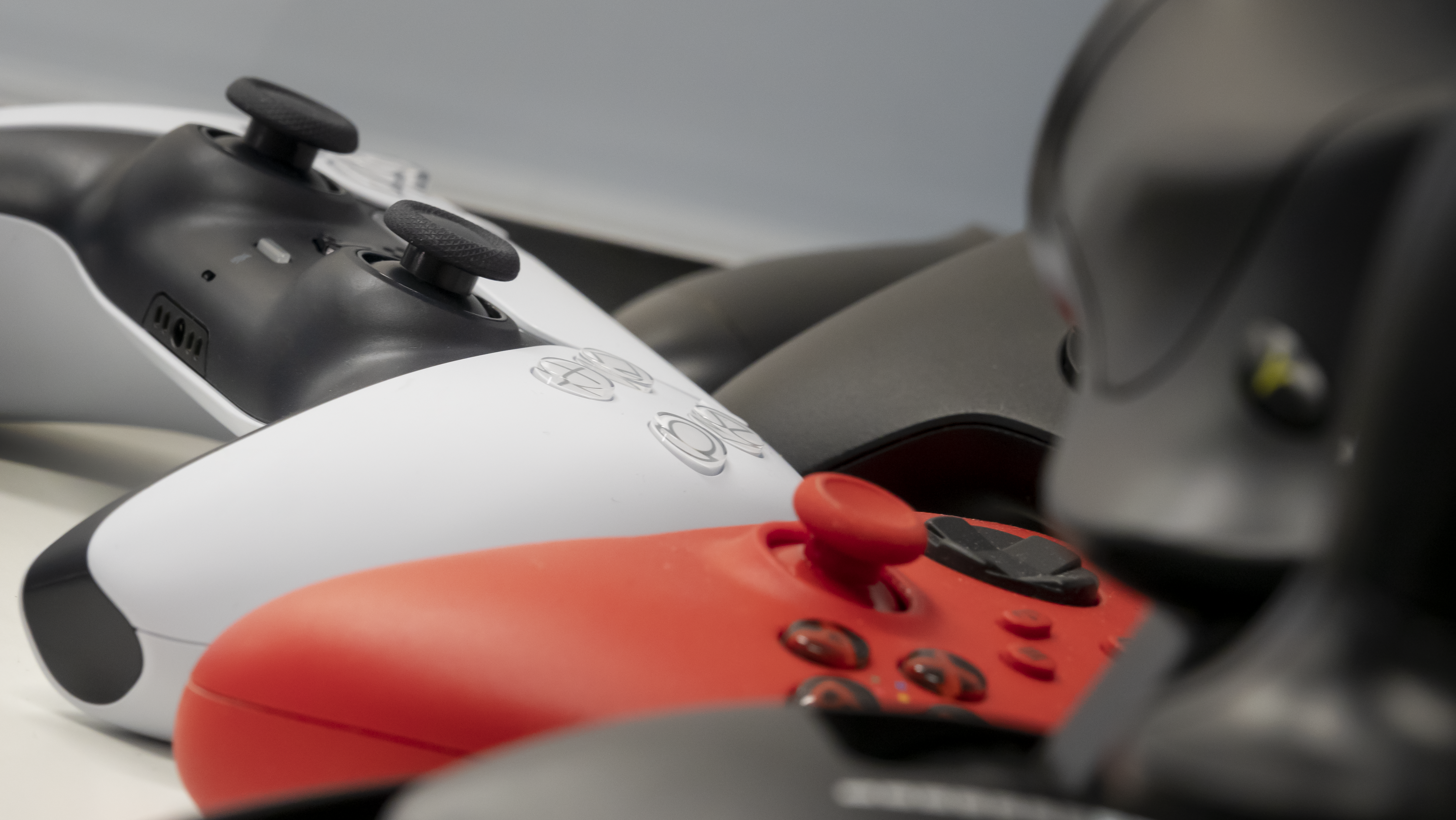
Interestingly, to tackle the third part of the task, we not only gathered all the devices available on the office desks but also raided the studio’s warehouse, where a considerable number of joysticks of various older models have been stored for quite some time. Despite their age, many of these models are still used by players, and some are even still sold. Thanks to this, we briefly had an entire exhibition of simulation artifacts, as shown on these photos.
This is far from all the devices we had, not even half of those for which we’ve prepared templates: many rarer ones were brought in from home by team members, for some we reached out to players asking for help, and we’ll add a few more templates with the help of beta testers.
Next week, we’re planning a big Dev Blog post dedicated to the completely new look of the landscape and nature in "Korea" - we promise it’ll be truly awesome! So, subscribe to our channels and social media YouTube, Facebook, Reddit, X, and Discord, follow the news, and stay in touch!
Next week, we’re planning a big Dev Blog post dedicated to the completely new look of the landscape and nature in "Korea" - we promise it’ll be truly awesome! So, subscribe to our channels and social media YouTube, Facebook, Reddit, X, and Discord, follow the news, and stay in touch!